There are a lot of factors to keep in mind when buying a smartphone like Display, Battery Life, Fast Charging, Speakers, Cameras, and Design. However, picking the right smartphone has become more complex than ever due to the saturated market. However, apart from the outer beauty, the inner components also matter and may help you make a better purchase decision. You may have to deal with far fewer annoyances down the road if something goes wrong with your phone.
Today we shall be exploring the inner beauty of what’s become one of the essential devices of today’s computing age. Are you ready to find out more about what’s inside a smartphone? Then let’s begin.

Looking Inside A Smartphone — Different Components
1. Display
Perhaps the most obvious component of a modern smartphone is its display. While every detail you see is on the outside, it is actually an internal device component. Display technologies in smartphones of today come in two main types:
Difference Between LCD vs LED
The difference is that, on an LCD-based display, there is a backlight shining through some polarizers and filters. By manipulating the crystal display, you can see a boatload of different colors on the other side. In layman’s terms is that the light is not being generated by the display itself; it is being caused by the light behind the display, and only some of it is coming from the other side.
Now, on an LED-based display, the light-emitting-diodes are doing all the magic. All the pixels that you can or cannot see are being emitted by these minuscule light-emitting-diodes (also known as LEDs, producing red, green, and blue colors).
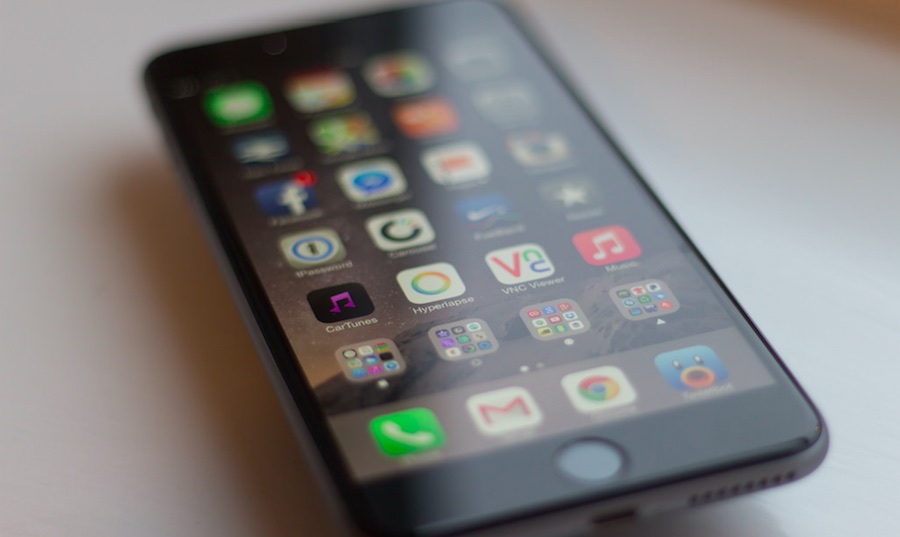
Over here, the display itself generates different and vibrant colors. The advantage of AMOLED or Super AMOLED displays over its IPS LCD counterparts is that the individual pixels can turn themselves off. By doing that, they’re not using up any battery, which is why most people recommend using dark mode and dark wallpapers on phones with AMOLED panels.
However, with an LCD, if you’re seeing black, the crystal display is manipulated so that none of the light gets through. However, the light behind the display is still being generated, meaning that the smartphone will be using small bits of the battery.

However, one drawback that we feel the need to mention is that AMOLED panels are more expensive than IPS, so if you see a phone with such a display and it carries a slightly higher price tag, you will know that the display is one of the many contributing factors for that price.
2. Battery
Batteries of phones typically use lithium-ion technology that is either removable or non-removable in mobile devices. With these batteries, which are an essential component of a smartphone, you will not have to worry about ‘calibration’ or ‘testing’ issues that were plagued with nickel-based cells. Still, this does not mean that current-generation batteries are not filled with their issues, and users have to be very careful when handling and using volatile components like these.
3. ‘System-on-a-chip’ or SoC
The SoC is perhaps the most essential component present in a smartphone, and some users might confuse it as the device’s processor. However, it is far more than that; the SoC not only comprises the smartphone’s CPU, but GPU, LTE modem, display processor, video processor, and other bits of silicon that turn it into a functional ‘system’ in a phone.
While you might see phones touting different SoCs from Qualcomm, MediaTek, Samsung, Huawei’s own Kirin, and Apple’s own developed chipsets, they are using the same system architecture from ARM. ARM functions by producing their own processors and GPUs and licensing their design and system architecture to other companies so they can use their technology to make powerful and efficient SoCs.

Some companies also use architectural licenses to make their proprietary processors for use in smartphones as long as they are compatible with ARM’s system architecture. Examples of these will be Apple’s custom-made chipsets running custom-developed Cyclone processing cores or Qualcomm’s Kryo processors.
4. Memory and storage
No smartphone can function without RAM and memory (system storage). First, let’s talk about RAM. Most mobile devices of today ship with LPDDR4X RAM, while some high-end smartphones ship with LPDDR5 RAM. ‘LP’ stands for ‘Low-Power,’ reducing the total voltage of these chips, making them highly efficient, and giving mobile phones extended battery life.
LPDDR4X is more efficient and powerful than LPDDR4, while LPDDR5 is the holy grail of RAM, resulting in unprecedented speeds and efficiency. LPDDR5 is more expensive to produce, though, which is why you only see them in flagship smartphones. When newer generations of RAM such as LPDDR6 are introduced, you will see the flourishing of LPDDR5 memory in mid-ranged devices.

As for internal storage, it exists as flash memory, ranging from 32GB, and can go all the way up to 256GB on some phones. Naturally, as users’ requirements rapidly increase based on the amount of storage that they use, phone manufacturers will exponentially increase the amount of RAM present in smartphones. When you fire up your device for the very first time, one thing that you’ll notice is that the advertised storage is not the same value as running on the phone.
For example, a phone featuring 64GB of storage will probably have between 53-55GB available for your personal use. Well, that’s because the smartphone’s operating system and pre-installed applications require that initial internal memory.
The flash memory used in smartphones comes in two types—eMMC and UFS. We haveexplained UFS and eMMC storagein one of our articles, so make sure to check it out.
However, if you run out of internal storage, you can check our step-by-step guide onhow to use SD card as Internal storagehere!
Since smartphones are just phones at the end of the day, they need communication components to receive and send text messages and calls. That’s where modems come in, and every SoC manufacturer has their own brand of modems, including Qualcomm, Samsung, Huawei, and several others.
These manufacturers are also battling it out to release the fastest and most efficient category of LTE chips, so if you have come across the term Cat. 9 LTE modem, that is the fastest one out there. However, if your cellular network does not support those levels of speeds, then there’s absolutely no point in having such powerful chips present in smartphones.
Still, companies will do their best to make sure they produce the latest and greatest chips of their desired category.
All smartphones come with a rear-facing and front-shooting camera. A smartphone comprises of three main parts:
While the megapixels on the smartphone are still an essential part of the camera, it carries less importance than they did a while back. Instead, the primary limiting factor is the phone’s camera sensor and how sensitive it is when light passes through the lens.
Remember, each sensor behaves very differently in different smartphones, so every image or video you capture will vary in contrast, color accuracy, saturation, and several others compared to a different handset. Most camera apps have manual settings to capture an image or video based on your settings, but most devices don’t have such an extended list of controls.
Since smartphones have small sensor sizes, they tend to perform poorly in low-light areas. This is an area where camera sensor manufacturers have worked incessantly to improve considerably, but they have a long road ahead of them, it appears.
7. Sensors
There are five primary sensors in a smartphone that allow it to give you the functionality of a ‘touch-enabled smart device.’ The names of all these sensors and their importance have been detailed below:
Now that you have more information on the intricate things that happen inside a smartphone, you can judge your future purchase by comparing the various components present in these modern-day computing devices.
If you have something to add, drop your thoughts and feedback.
