Who doesn’t need unlimited online storage to keep all the photos, videos, and more media in one place? The answer to this question is a definite “yes, we need it,” and tech companies are doing things for this purpose.That’s when Google steps in and is trying to provide enough storage (if not unlimited) with its Google One program for us all.
Hence, today, I will introduce you to Google One membership and tell you more about it.
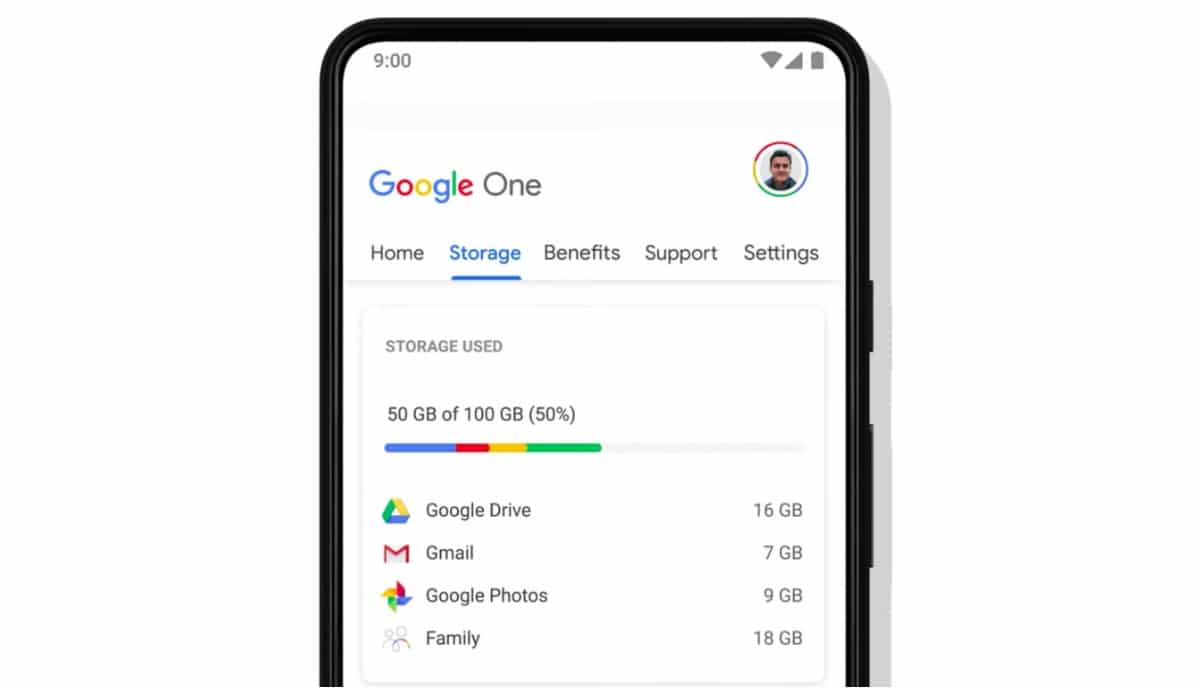
What is Google One?
A year ago, Google launched the Google One paid membership, which allows you to upgrade your existing Google account storage to various provided storage options, as per your choice and needs and with safety.
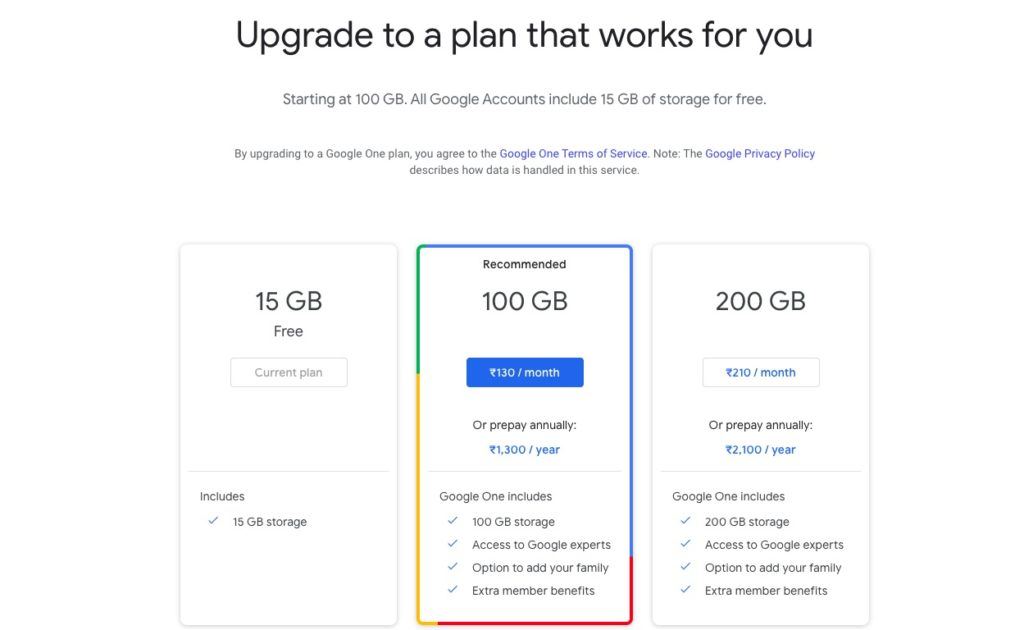
The plans are perfect for situations when you have a plentitude of images, videos, and a lot more, and the free 15GB of available storage can’t equip all your dear media.
As a reminder, Google Pixel users get unlimited storage, which, however, is available for a couple of years only.
The Google One membership provides extra storage across Gmail, Google Photos, and Google Drive storage — allowing you to store important data by paying just once.
For further information, you may visit the Google One support from theGoogle One website.
Google One Benefits
The ability toback-up all the media(photos, videos, texts, contacts, apps) is present on any of the Google One Plans. You can do so by merely selecting the backup option in the Device Backup settings in the Google One app.
Google One storage plans are shareable with up to five family members, which is the first highlight of Google One. Further, the plans also include tech support where you can contact Google experts in case you need some help with the service.
Additionally, there is a slew of Google One benefits that can be redeemed from either Google Play or Google Store
Additionally, Google One notifies you of every update and benefit you get with the plans, which you can access either from your computer by going toGoogle One websiteor your smartphone using theGoogle One app.
Google One Plans
The program is a paid one and offers various Google One subscription plans to choose from. Here are all the Google One pricing options:
How to get Google One?
You can access any of the Google One plans by making purchases of, course!
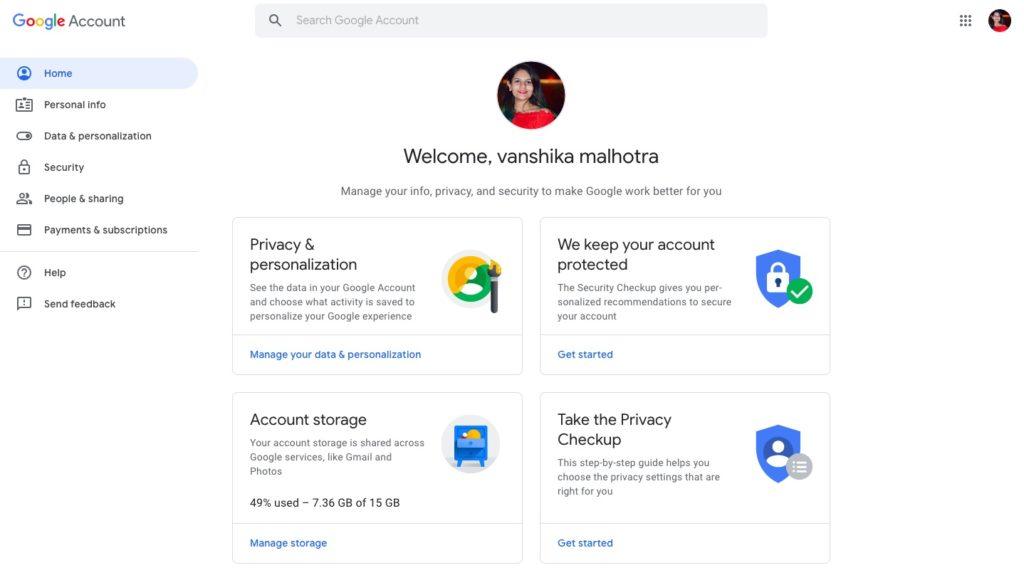
While on your Gmail, you have to tap on your image icon and select the Google Account option. From there, you will have to select the Manage Storage option, and you will be taken to Google One to choose the desired plans.
For Google Drive
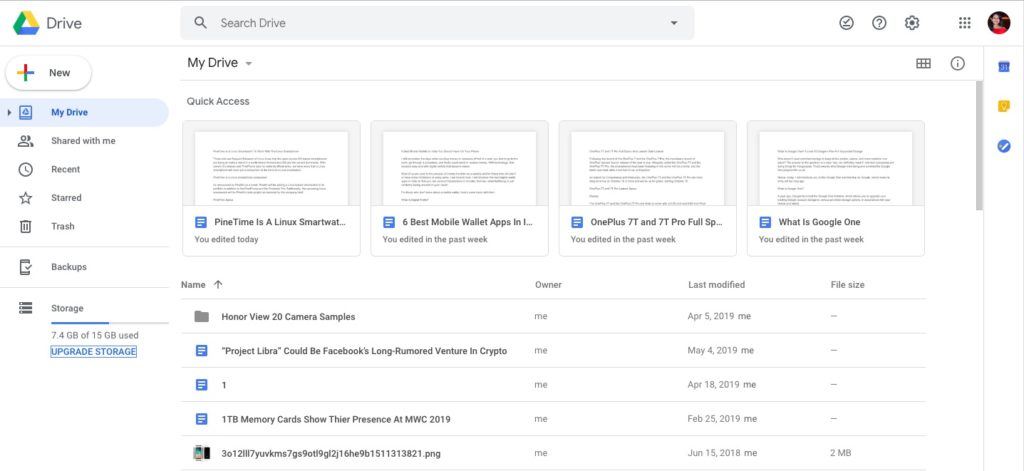
On your PC, you have to head to your Google Drive and select the Upgrade Storage option in the bottom left corner of the screen. Again, the Google One page will pop up for you to make your choices.
For Google Photos
All purchases will be made via the Google Play Store wherein all your payment details are stored, irrespective of the platform from where you access Google One.
Apple has a similar membership for years!
Apple’s cloud storage arena, which is known as iCloud, provides you with a similar option of upgrading your iPhone storage, so you don’t have to worry about limited space on your device.
To expand your 5GB free storage limit, you have to go to Settings, tap on your Apple ID present on the top of the Settings menu, select iCloud, and then Manage Storage option.
Following this, you have to select the Change Storage Plan option, choose from the three options available (50GB for Rs 75 per month, 200GB for Rs 219 per month, and 2TB for Rs 749 per month).
Much like Google One, the iCloud storage payment can be made via the App Store where your payment details are saved.
Google One vs Apple iCloud
While both Google One and iCloud are helpful for Android and iOS users, respectively, the former is better in terms of more storage options. iCloud, on the other hand, is relatively cheaper as it starts at just Rs 75.
Is Google One Worth It?
Google One aims to give you options to get hold of a lot of cloud storage so that storing media is never a problem ever. While the plans are relatively expensive, they can be given a shot if storage is your priority.
I hope the article mentioned above helped you to know Google One better so that you’re able to use it with all the convenience.
