If you’re a terminal enthusiast who wants to watch YouTube videos without opening a browser or calling API, thenytfzfis the latest command-line utility of your interest.
ytfzf is simply a POSIX script that lets you search, play, and download YouTube videos without leaving the terminal.
It is available for all Unix-like operating systems including Linux and macOS. However, the thumbnail preview feature is currently unavailable on macOS.
How To Install YTFZF Video Downloader?
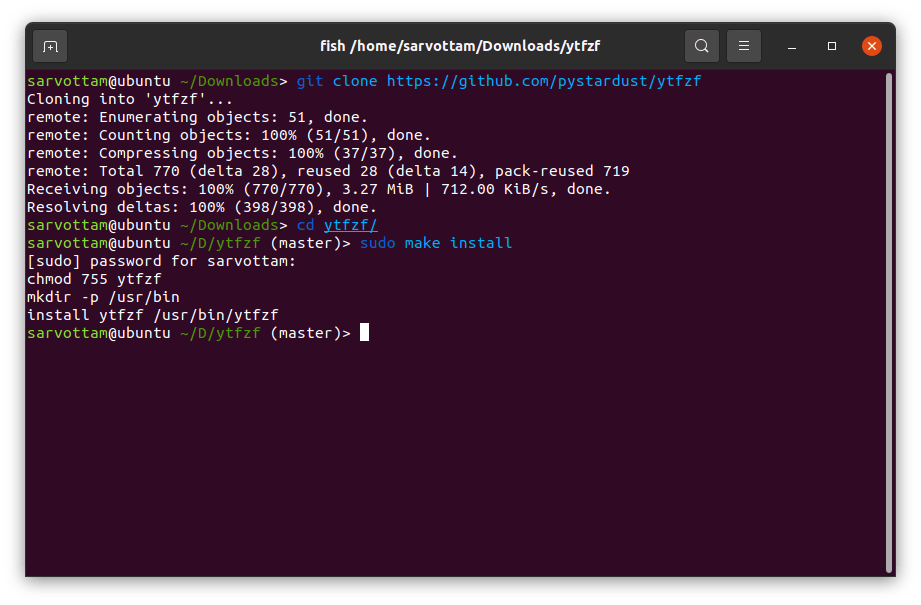
The easiest way to get ytfzf on any OS is first by cloning the repository and then installing with the Makefile.
If you use Arch Linux, then ytfzf is already available in the AUR repo, which you can install by running the command:
After the utility installation, you also need to install dependencies it make use of such as:
For Debian-based distros, you should installyoutube-dlfrom its officialrepoas Debian repos contain its outdated version.

And if you want to search videos with thumbnails, you also need to install Ueberzug utility:
Features Of YTFZF Video Downloader
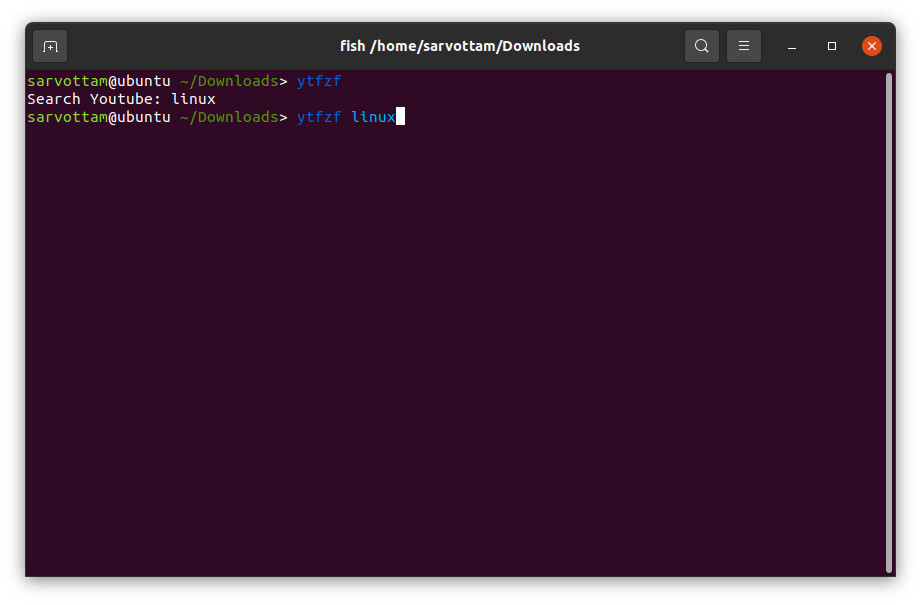
Once you properly install ytfzf, you may start searching for YouTube videos by runningytfzforytfzf command:
If you also want to see the thumbnail preview, you can use-tflag asytfzf -t .
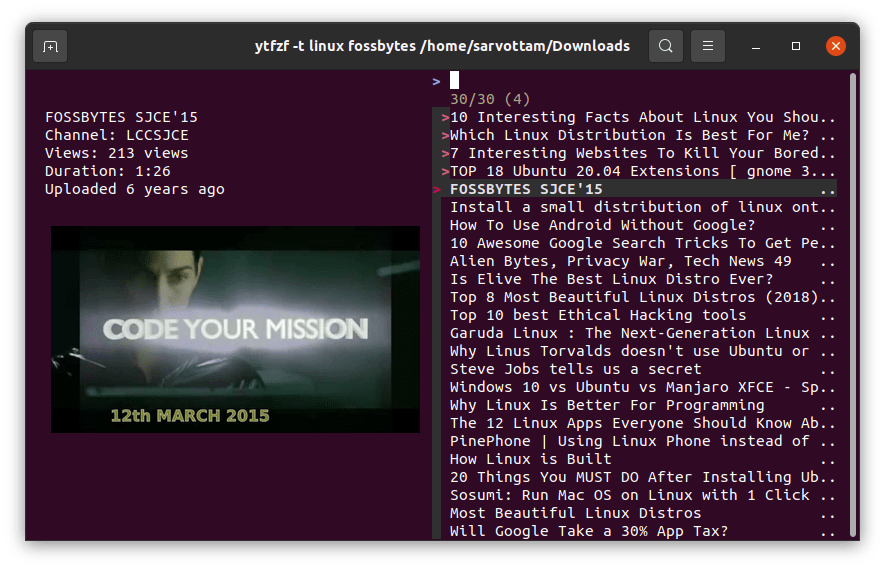
As you can see, it lists the top result in the right panel and thumbnail preview of the current videos in the left panel.
you’re able to select the video to play it using the default MPV video player. Key binding for MPV player is also available such asffor full-screen,Jfor subtitles, andLfor single-loop.
If you want to quit from the video selection prompt, you may either press ESC or CTRL + C.
Besides, it also lets you queue videos using fzf multi-select option. You can Press the tab to select a video and line it up in mpv.
Ytfzf is still under continuous development. If you want to contribute or know more about it like changing configuration, check out the officialrepository.
