Windows really wants you to use a Microsoft Account on your system. But, if you’re skeptical about it, we have got you covered. This guide will show you how to set up a Local Account on Windows 11 during the first boot itself.
Users clean installingWindows 11 buildsvia ISOs might want to use a local account instead of going Microsoft’s way that it clearly forces on users. Having a local account is a preference for many, and saves you from Microsoft’s enforcement.
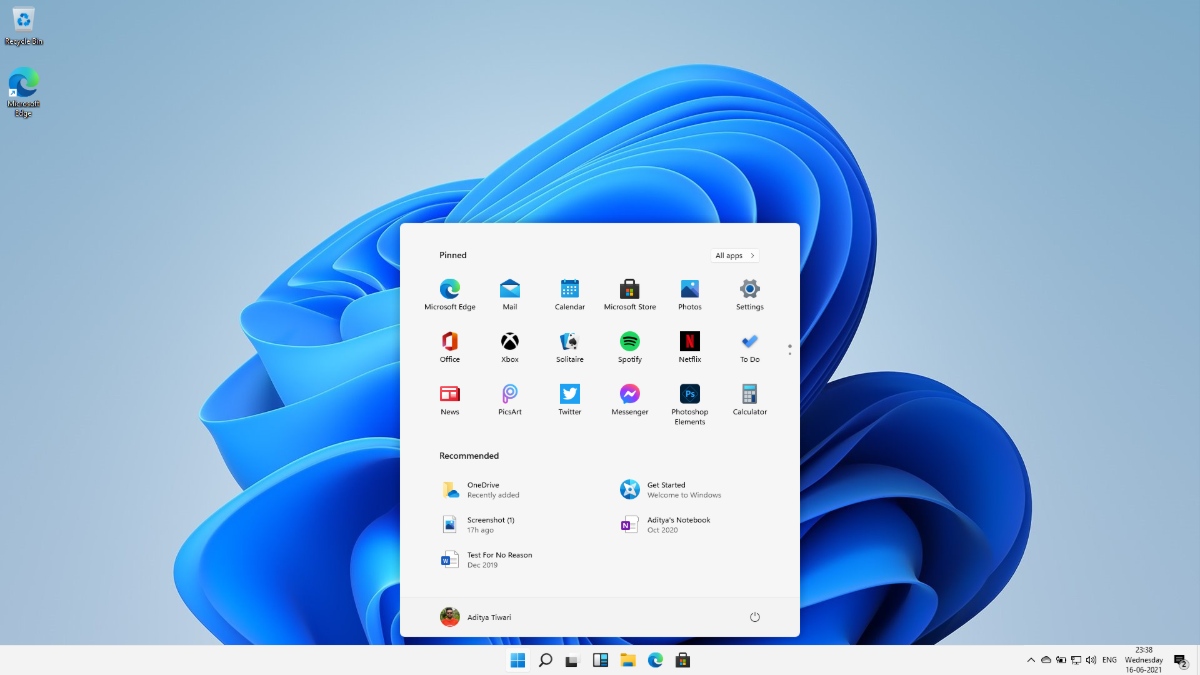
Choosing a Local User Account on the Windows setup screen
When you boot your PC for the first time, theWindows 11Setup requires you to enter your region and keyboard layout. Post that, let us see how to choose a Local Account.
1. On the Account Login Screen, click onSign-In Options.
2. Click on the option that reads“Offline account”option.
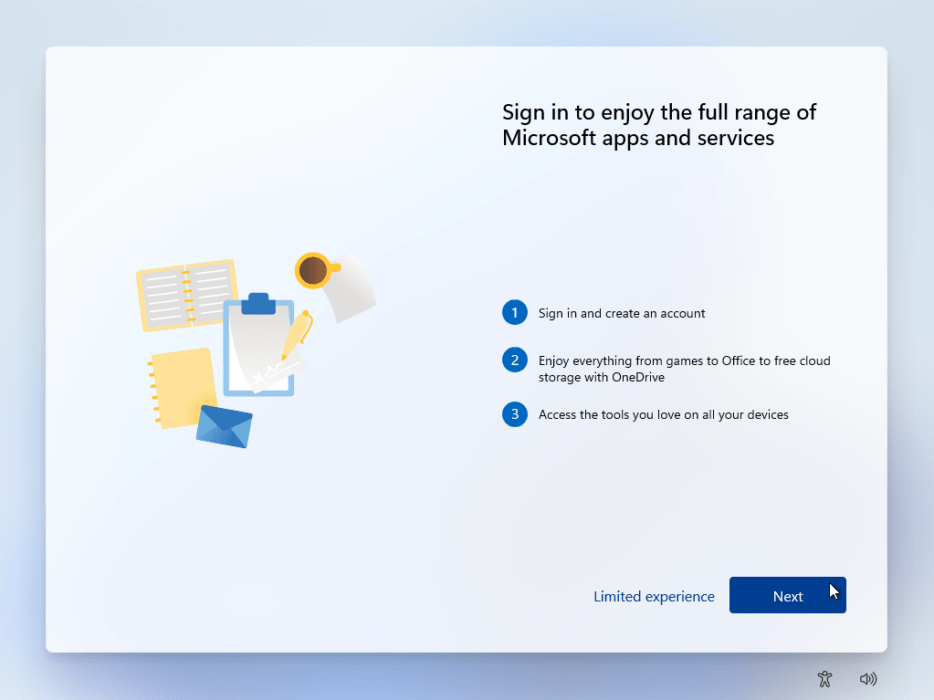
Windows will again prompt you to go for a Microsoft account instead, but you have to click on“Limited Experience”option.
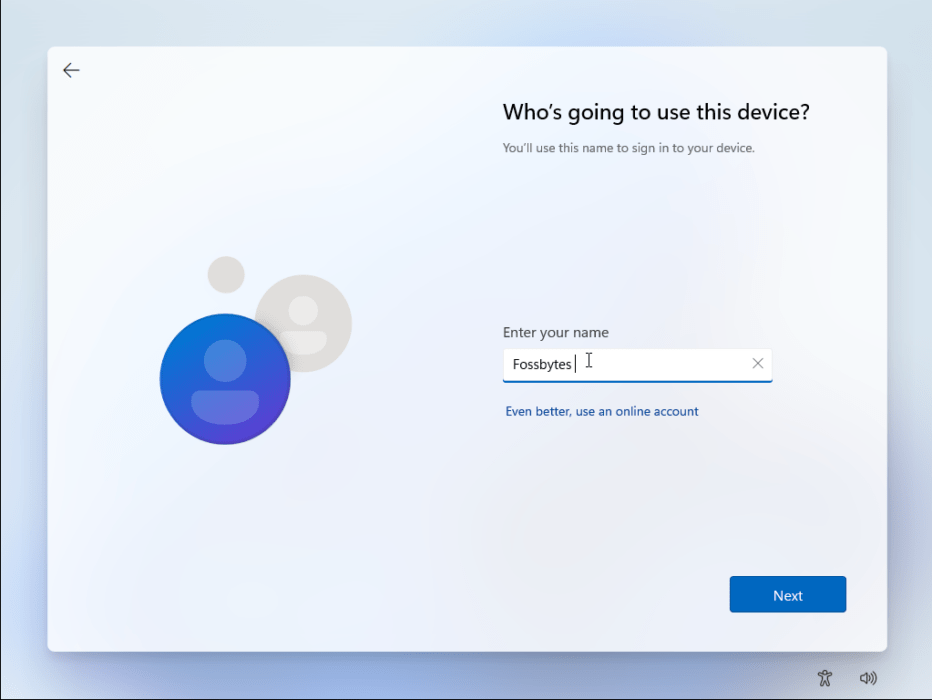
Next, Windows will ask for yournamesince you’re setting up a Local Account. Fill in the details and clickNext.

Next,create a passwordfor logging in to your PC. When done, clickNext.
Finally, create answers for3 Security Questionsin case you forget your password.

- After the account is set, Windows will finish the initial setup and the PC will boot.
Voila, you have Windows 11 up and running with a Local Account!
Pros and Cons of Using a Local Windows Account
Pros:You can stay disconnected from Microsoft if you don’t want an account, can still use Windows Store, Mail, etc. All the settings and data are stored on your device locally.
Cons:Cannot use the sync feature which syncs your Windows settings across multiple devices, Find My Device feature doesn’t work, Cloud Clipboard, Windows TImeline, etc
Did you find this guide helpful? Let us know in the comments below. you may read our usefulWindows 11 guidesto keep yourself updated.
