Short Bytes:There are a few requirements your smartphone has to satisfy to support VR content. It requires thegyroscope, magnetometer, and accelerometer sensors to bring the virtual reality in front of you. Here are a few methods which can help you know whether your smartphone is VR compatible or not.
There is one thing that many people including me are curious about. Is my smartphone VR compatible? Many of us don’t have much idea about how these futuristic helmet work with our smartphone. The feature videos from their makers mostly show a smartphone sliding inside headset and one enters the world of virtual reality. So, in this article, there are a few methods which you can use to check if your smartphone is compatible with VR headsets or not.
What are the requirements?
For your smartphone to be VR compatible, your device should have the following sensors:
Gyroscope & Accelerometer
The task of the accelerometer sensor is to detect the linear orientation of your smartphone. For instance, when you move your smartphone from portrait to landscape mode the screen rotates because the accelerometer sensor comes at work.
The Gyroscope sensor is used to check the tilt or twist movements of your smartphone. For example, if you place your phone on a table and rotate it horizontally then it’s the gyro sensor which detects the change in its orientation. The accelerometer sensor can’t do this, it can only detect linear changes in the orientation.
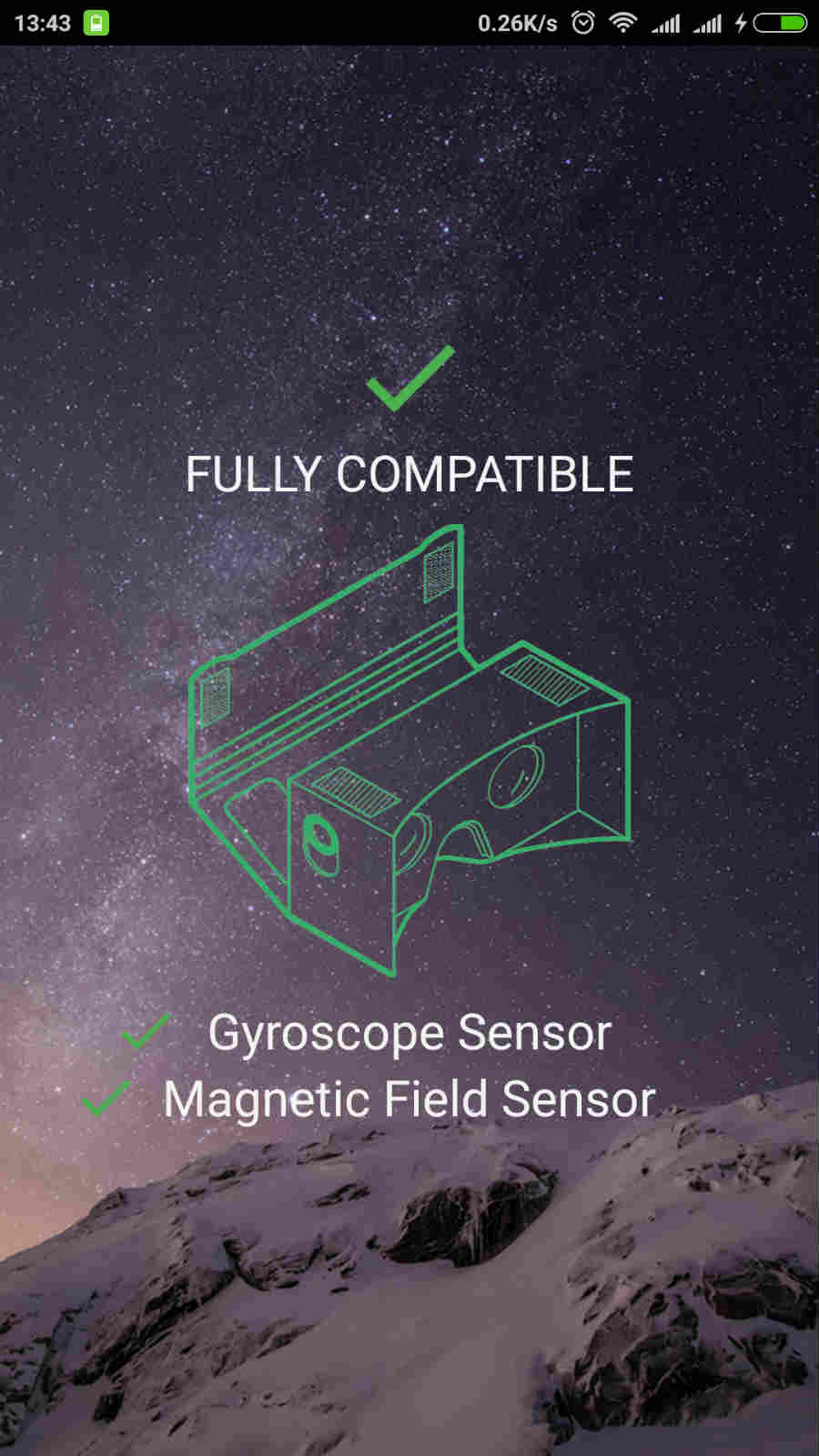
The gyro sensor is a must for your smartphone to be compatible with a VR headset. The accelerometer sensor is generally available in almost all the smartphones out there.
Magnetometer
This is also known as compass sensor. It is used to know the direction of the phone with respect to earth’s magnetic field. It helps your phone decide which direction is North.
Method 1: Use VR-checking apps on Play Store
There are a bunch of apps available on theGoogle Play Storewhich can help you get the answer for the question — Does my smartphone support VR?
These apps check whether your smartphone has the gyroscope and magnetometer sensors. you may try these apps on Google Play store to check whether your smartphone supports VR.
With a single tap, this app can detect whether your smartphone has the required sensors. You need to tap Check and it will be a matter of seconds for theEZE VRto tell if your device supports VR.
VR Checker
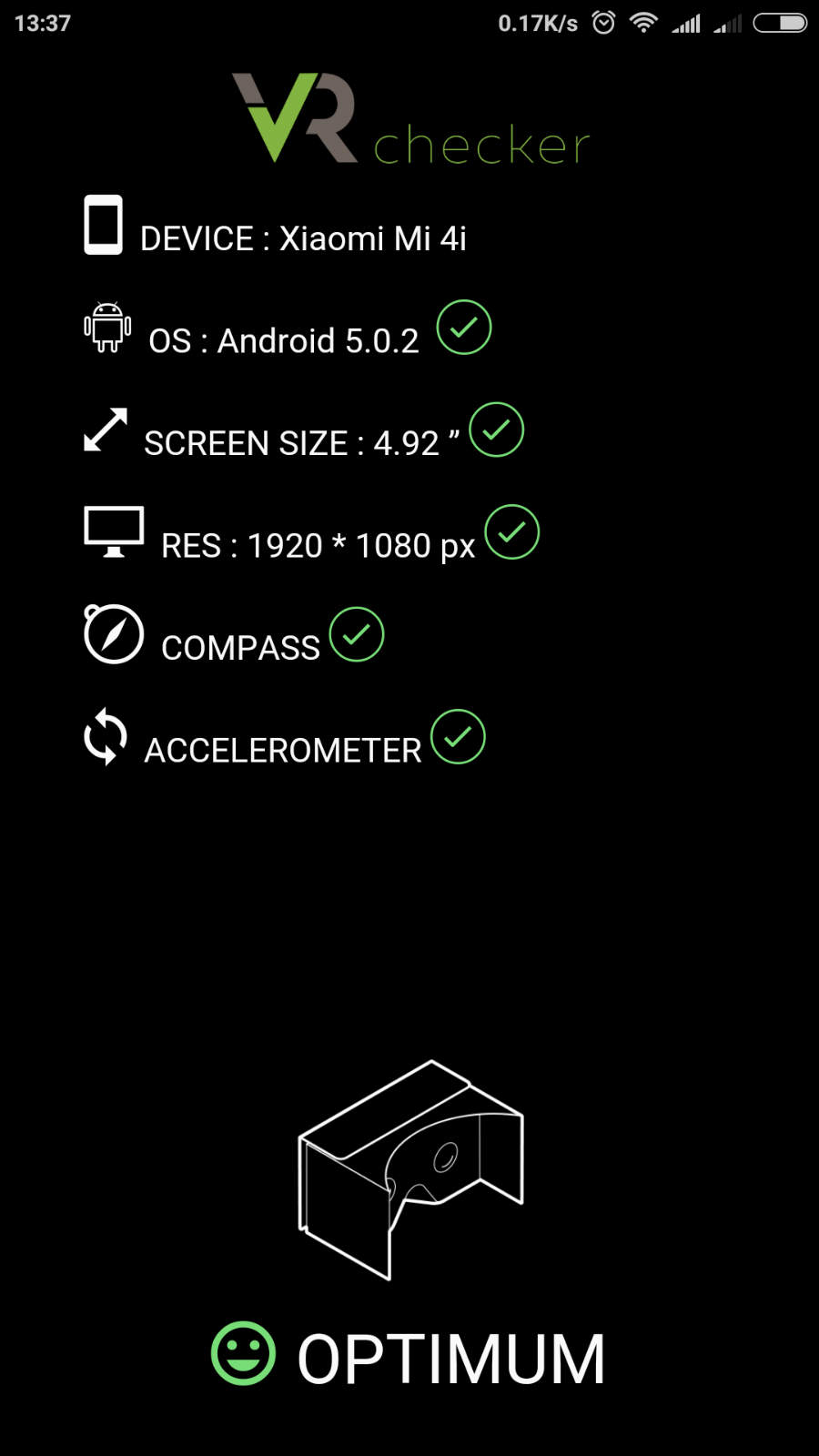
Unlike, EZE VR, theVR Checkerdoesn’t require even a single tap. It is able to tell whether your smartphone is VR compatible, displays other information like device name, screen resolution, screen size, etc. It tells you whether your device is Optimum, Compatible, or Incompatible for VR headsets.
Method 2: Using the YouTube app
The app tells you that you can use your smartphone to watch VR content. There is a simple method you can try.
Important:Without the gyro sensor, you will be abe to play the 360-degree videos but you won’t be able to move in the video.

Method 3: Google Cardboard App
You can also use theGoogle Cardboard appto get the feel of how VR content works on your phone. Follow the steps mentioned below.
Using the above methods, you may check the VR support for your smartphone.
Did you find this helpful, tell us in the comments below?
Also Read:How To Get Google Assistant On Your Phone By Adding Two Lines Of Code
