Finally, a month and a half after wereportedthe initial release of the 1Password app for Linux desktop, its co-founder Dave Teare has nowannouncedthe beta version of the full-featured ‘1Password’ Linux desktop app.
As you may know, 1Password is a user-friendly and cross-platform password manager app whose stable version is already available for Windows, macOS, iOS, Android, and now is getting ready for Linux-based operating systems.
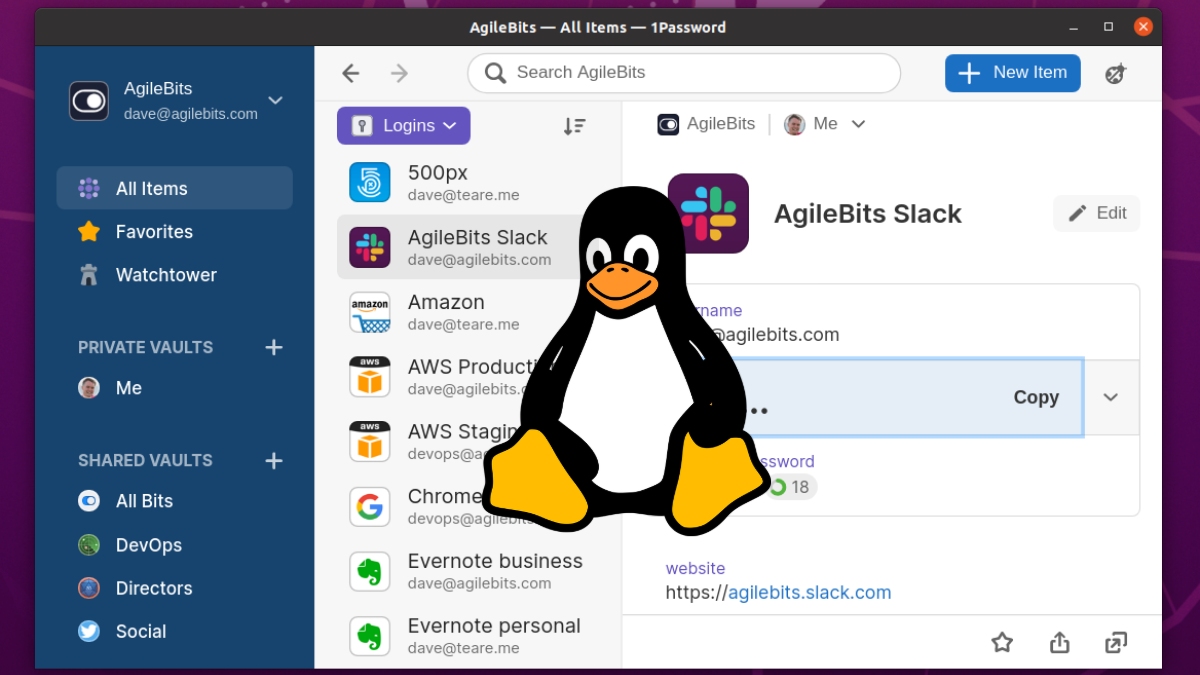
1Password Beta For Ubuntu, Fedora, Debian, And Other Linux Distros
The backend of the 1PasswordLinux desktopapp is built using the ‘most loved programming language‘ Rust and the frontend using the most popular component-based React.js library.
Additionally, the app also uses a safe, fast, and Rust-based ring crypto library that provides full end-to-end encryption to meet both the security of data and performance expectations of Linux users.
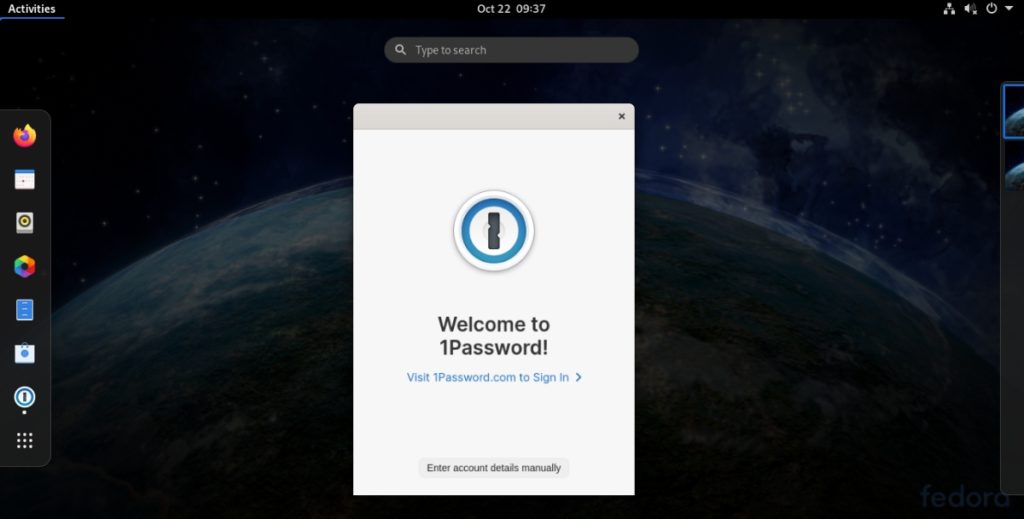
Here are the features that the beta version of 1Password for Linux offers:
1Password also has a free account offer for an individual or every member who works in an open-source team. The only thing you need to do is open a pull request in the GitHubrepoof “1Password open source projects,” and you’ll get a free 1Password team membership.
Lastly, if you want to install 1Password on any of your Linux distros, head over to the official 1Password For Linux Betapage. This will guide you to install the app using apt or rpm package repositories for Debian, Ubuntu, CentOS, Fedora, and Red Hat Enterprise Linux, as well as using the Snap store.
If your distro does not have support for apt, rpm, or snap, AppImage of 1Password is also available for download and use in other Linux distributions.
Just to remind you again, you should also expect bugs or any problems as 1Password for Linux is still in beta. However, more features in 1Password await you in the final stable release planned for early next year.
If you can’t wait that long, don’t forget that you can also use1Password Xin your browser for a stable experience on Linux.
